
Understand what the code stores, what can change later, and how that affects your print decisions.
The printed pattern contains data
For PDF sharing, the code usually contains a URL. A phone reads that address and requests the destination over the internet. The PDF itself is hosted elsewhere; it is not compressed into the small printed pattern.
This is why a working scan and a working document are separate checks. The camera can successfully read the code while the destination returns an error, asks for a login, or serves an outdated file.
What a static code can and cannot change
A static QR pattern contains fixed data. If it encodes a file URL, the pattern will continue pointing to that URL. You cannot change the printed data by editing an image file somewhere else.
However, fixed does not always mean unmaintainable. If you control the destination and can update content at the exact same URL, the material people see may change. Whether that works depends on the hosting workflow and link stability.
What a dynamic workflow adds
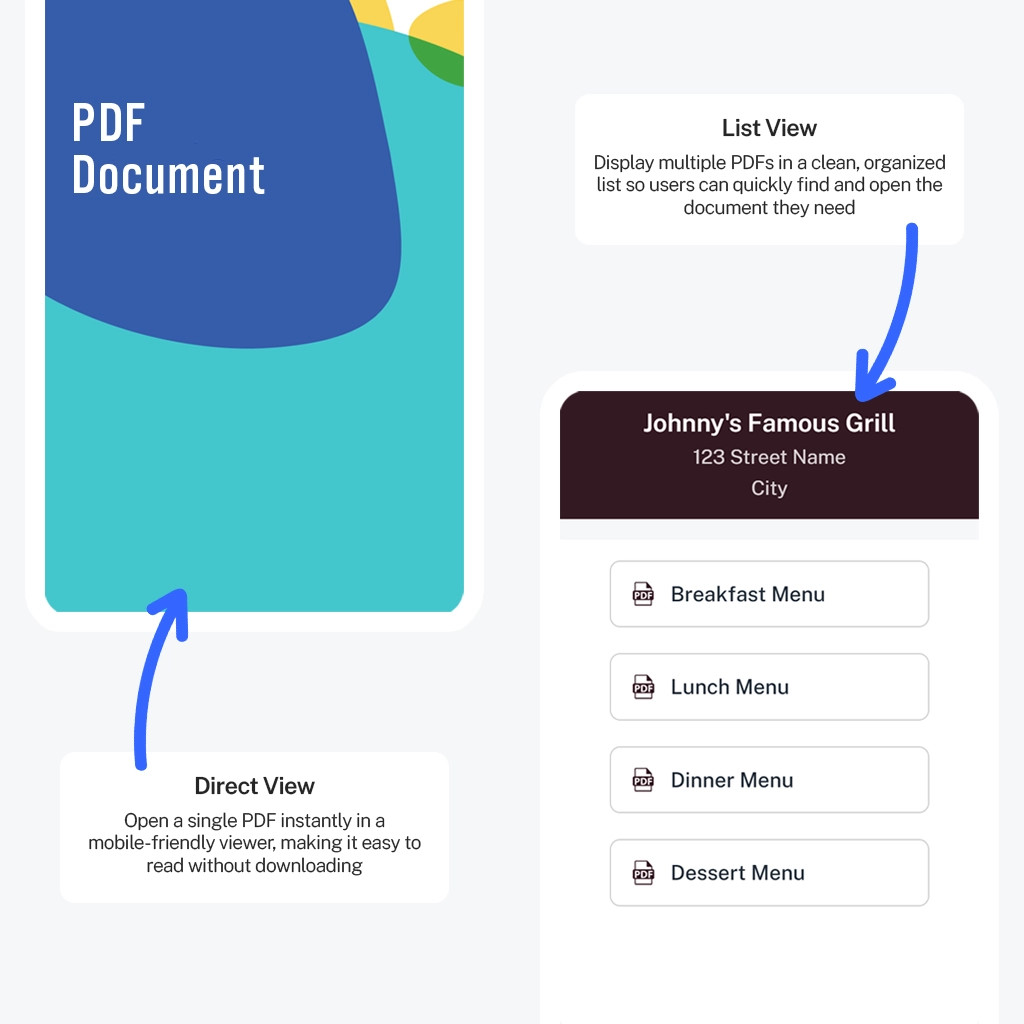
A dynamic service gives you a managed destination behind the printed code. In PDFQR, you can change the PDFs and their presentation inside the existing QR setup. Your physical code remains the route to that managed content.
This is useful when documents are revised more often than signs, table stands, or packaging. It also helps organize several PDFs on one page without encoding separate links into multiple printed codes.
Put the guide into practice
Create your document setup, preview it, and test the code before sharing it.
Compare maintenance, not just generation
For a short-lived link you control, a basic static generator may be sufficient. For an ongoing document collection, consider how replacements, file names, viewing pages, and later updates will be managed.
Ask who owns the destination, whether sharing permissions can change, and how the files will be maintained after the initial creator moves on. A free image generator does not solve those hosting questions by itself.
Plan for dependency on hosting
Both approaches rely on a reachable destination when they link to online material. Dynamic services also depend on their managed routing and account conditions. A QR pattern is not a guarantee of perpetual service availability.
Keep essential document copies separately and provide appropriate alternatives when internet access is unreliable. Avoid building a critical workflow around an assumption that a scan must always succeed.
Make the choice before printing
List the likely changes: document revisions, additional PDFs, new branding, or a different audience. Then choose a setup that can handle them without confusing readers. Test both the printed code and the resulting page.
If you choose PDFQR, continue editing the existing code when you revise the files. Creating a fresh code for each update loses the continuity that made the dynamic workflow useful.
Questions to check before you finish
Can I replace a PDF after printing?
Yes. Update the document within the existing PDFQR code. The QR code stays the same, so your printed materials can keep pointing to the updated content.
Can I download a QR code for print?
Yes. Download high-resolution PNG or SVG files. Preserve the blank margin around the code and test an actual print before ordering a full batch.
Continue learning
PDFQR features · Multiple PDFs in one QR code · Pricing
Sources and review
Product workflow: PDFQR features and product FAQ. Examples in this guide are illustrative. Check the current app before following interface-specific instructions.